
Browse auctions
Use the Auctions view in Market to find auctions and compare the information on each card. floored is browse-only for auctions. You cannot start an auction, place a bid, or settle an auction on any current floored page.
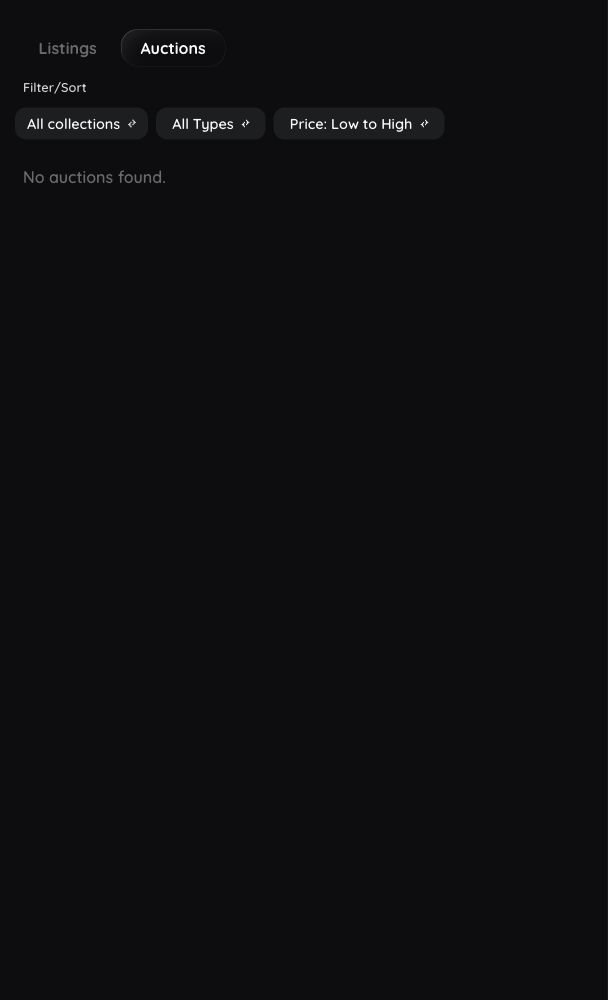
Find an auction
- Open Market.
- Choose Auctions.
- Filter by collection, collection trait, or content type.
- Select an auction to open the Ethscription page.
If no auctions appear, clear the filters or check again later. The view shows the auction results currently available in floored.
Read an auction card
Each auction card can show:
- Bid and the current highest bid when at least one bid exists
- Reserve and the reserve price when no bid exists
- The item name or Ethscription number
- The collection name when available
- Ends in with the remaining time, or Ended
Selecting a card opens the Ethscription page, but floored does not currently show an expanded auction panel there. The card does not show the seller, bid history, minimum next bid, winner, settlement status, or fee.
Auction information can change while you are viewing it. Refresh before relying on the current bid, reserve, or remaining time.
Actions not available in floored
You cannot currently:
- Start an auction
- Place a bid
- Settle an ended auction
Connecting or verifying a wallet does not reveal those controls. If you use another interface to perform an auction action, review its contract, value, and terms independently.
Auction data can take time to update after an Ethereum transaction confirms. Pull to refresh or return to the auction later.
See Market listings for buying and selling controls, Fees and confirmations for transaction costs, or Troubleshooting when auction information looks old.